
For providers
Your business is listed on Pacivet.eu and you can look after the entry yourself. Below is how to sign in, step by step, and what you are able to change.
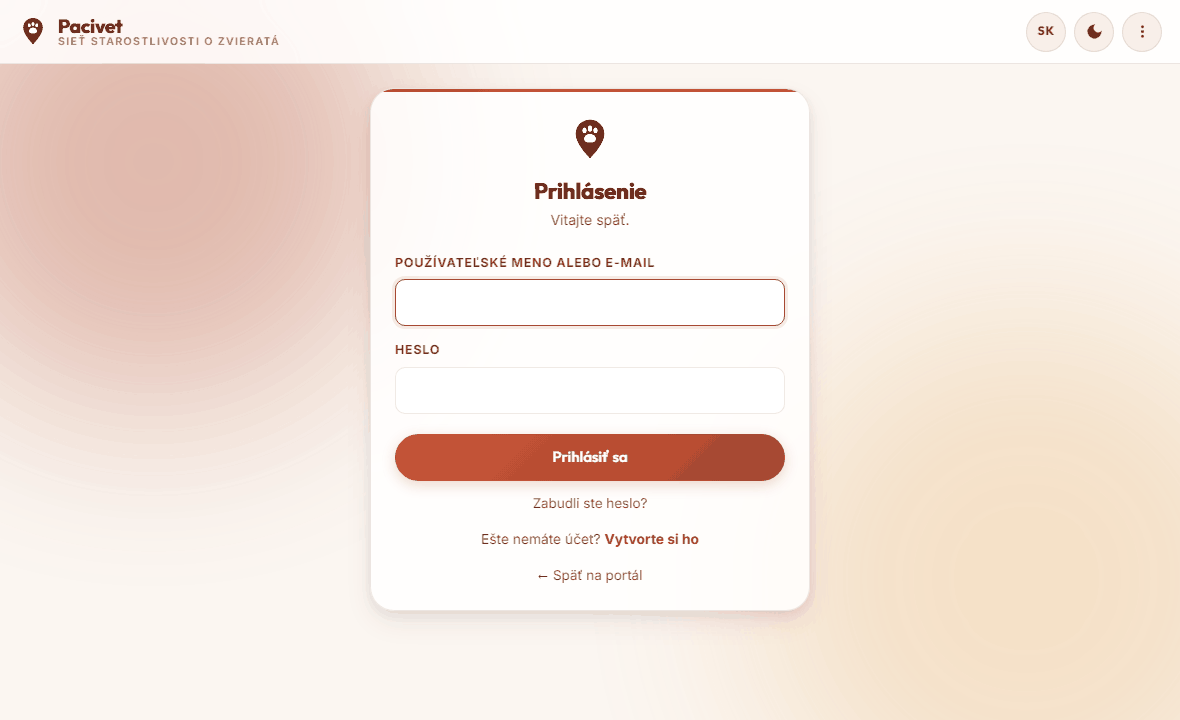
1Sign in
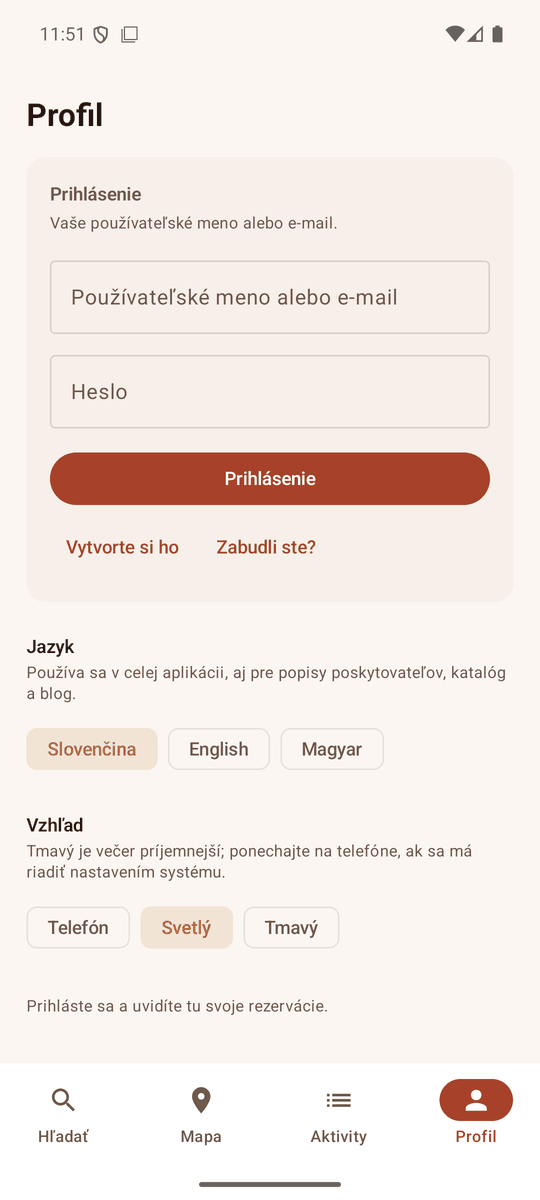
Open pacivet.eu and choose Sign in from the menu at the top right. Enter the username and password from the e-mail.
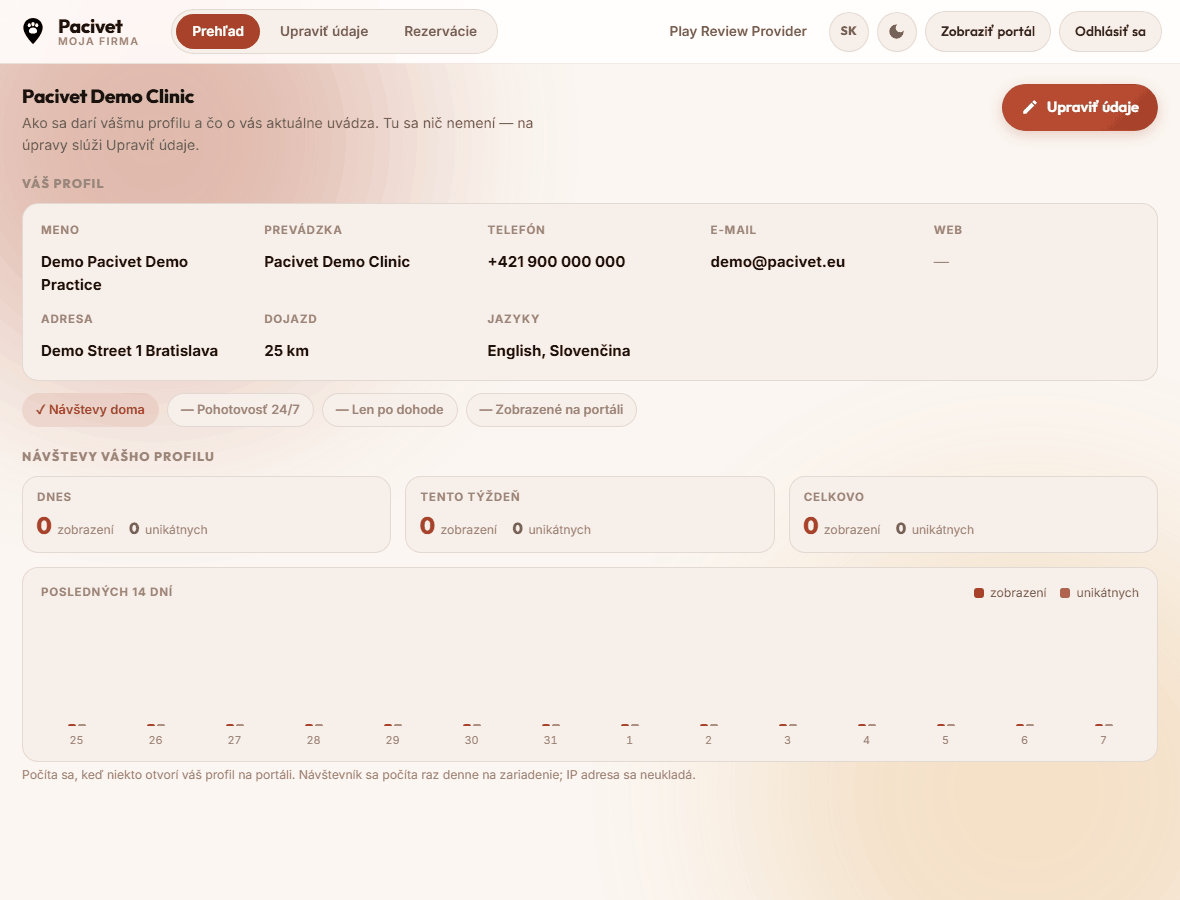
2You land on your own company
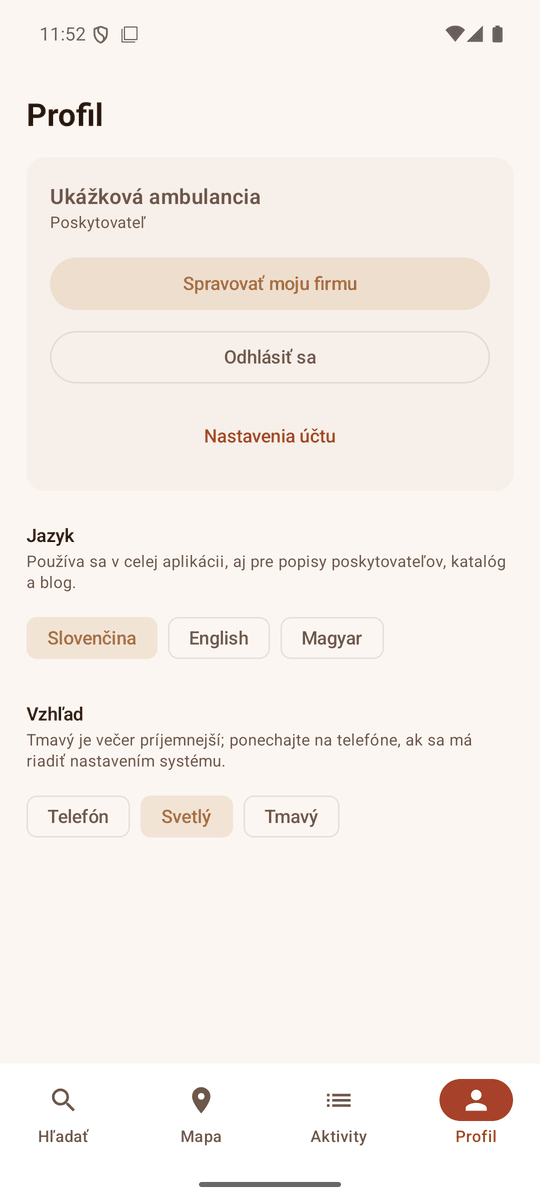
Signing in takes you straight to My company. You see what the portal currently says about you, and how many people have opened your profile.
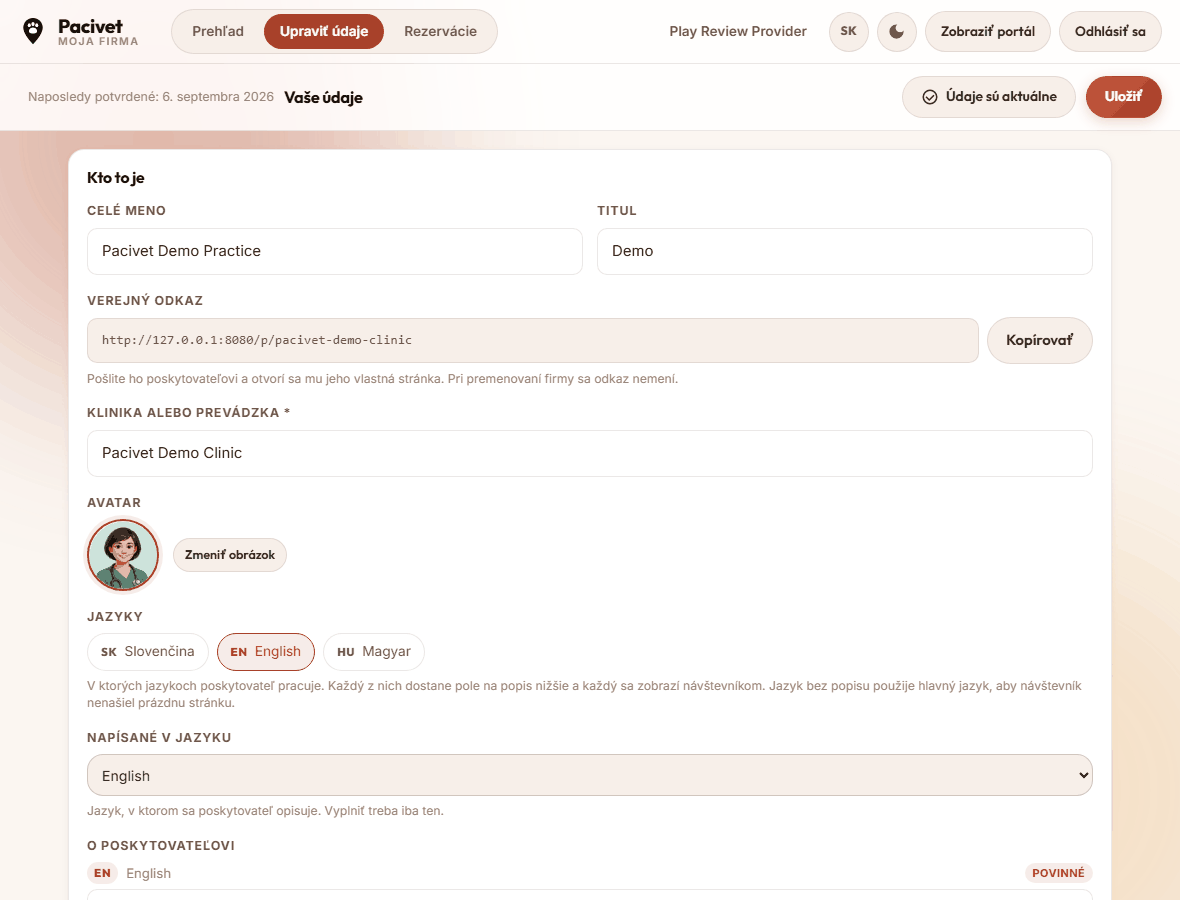
3Edit your details
Click Edit details. You can change the name, contacts, address, picture and description - in every language you work in. Changes are kept with Save.
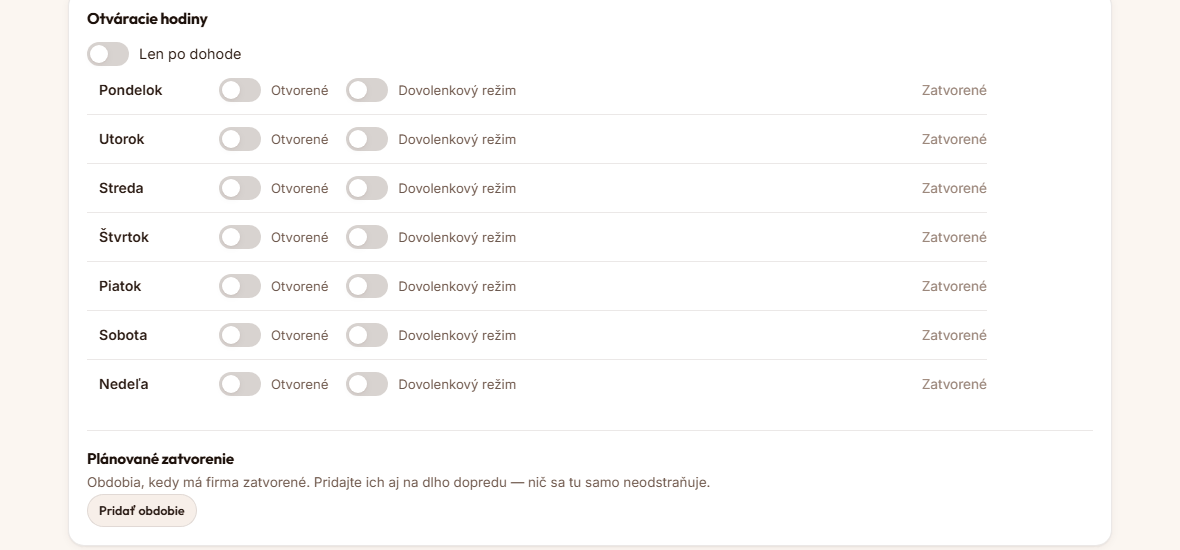
4Opening hours and holidays
For each day you set whether you are open and between which hours. The Holiday mode switch closes a day without losing the hours you entered. For a longer closure - a holiday or refurbishment - use Planned closure.
5Categories and services
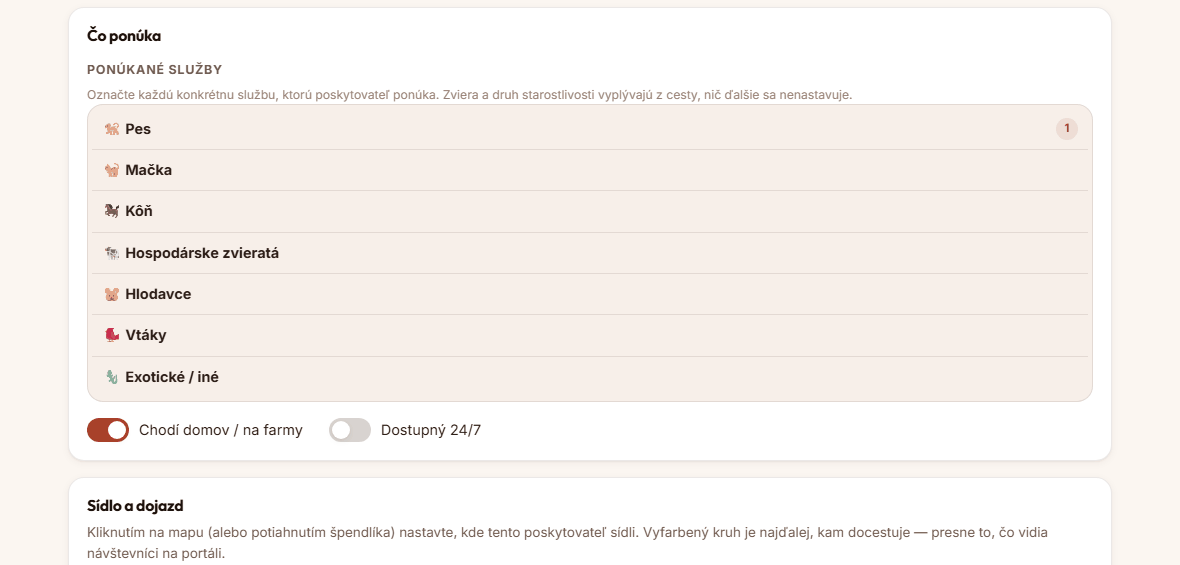
Tick every service you genuinely provide. That is how visitors find you when they search for particular care. The animal type follows from the services you choose.
In the mobile app
The same login works in the Pacivet app for Android, so you can look after your listing from your phone — opening hours and holidays included.
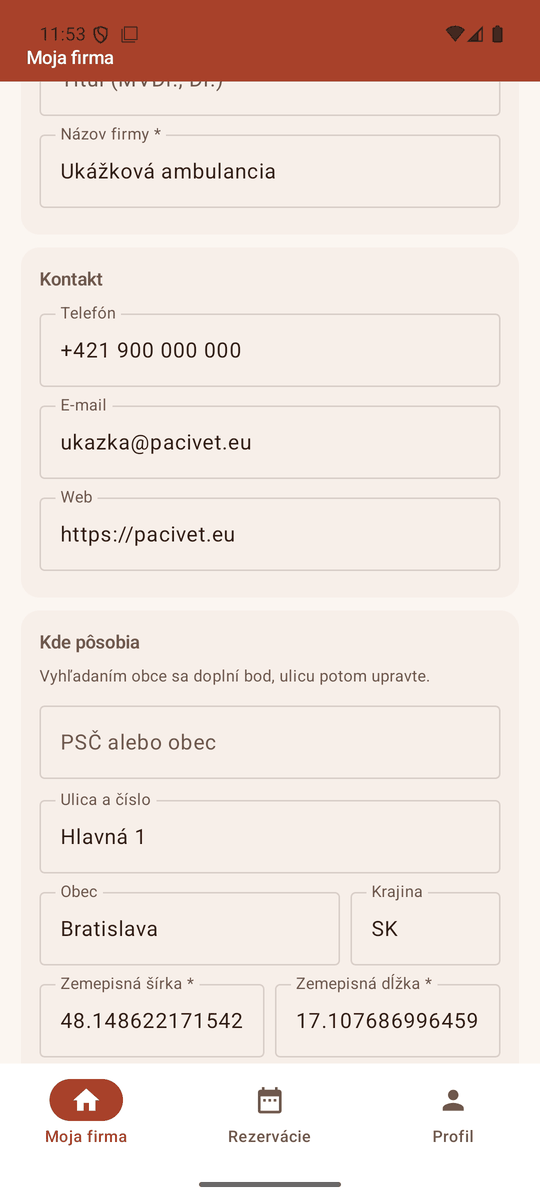
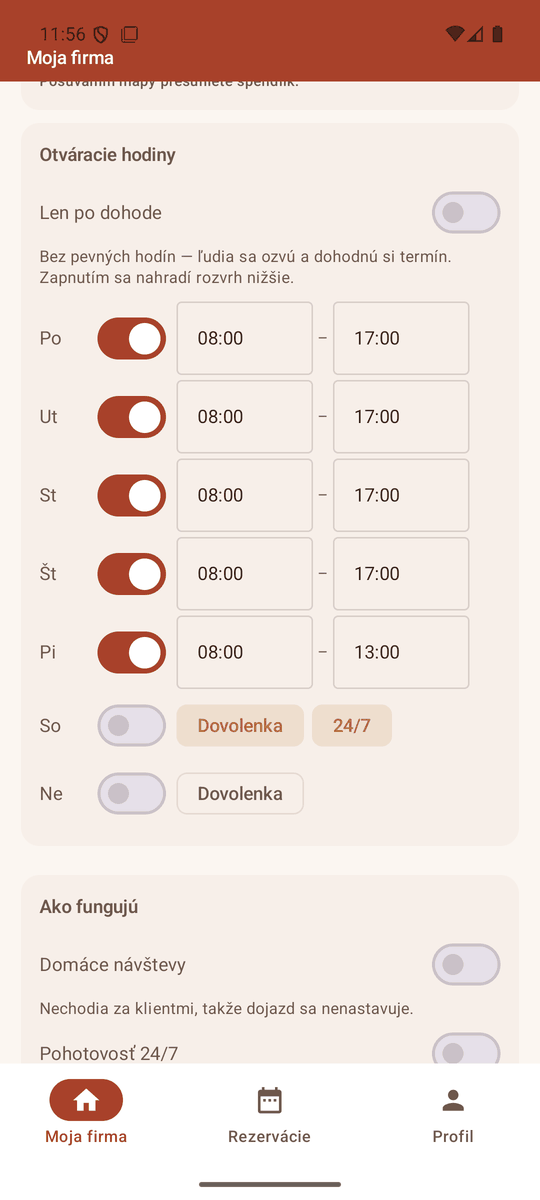
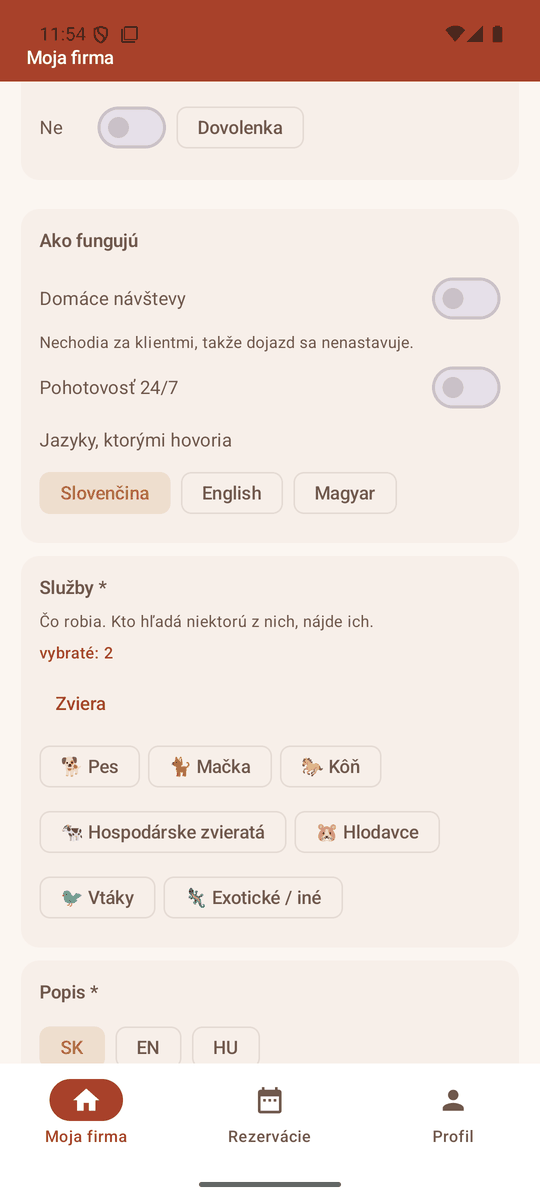
The one thing that stays on the website is a planned closure for specific dates. Everything else can be done from the phone.
Need a hand?
If something does not work, or you want a change you cannot make yourself, get in touch. We are happy to do it for you.